
How the Houghton County Court Calendar Works
Michigan's public calendar layer is the MiCOURT Court Display. Pick a court, pick a date, and read the rows. Each event lists Party Name, Time, Room, and Case Number. The page paginates when a day runs long. Think of it as a viewing tool for public settings rather than a certified record. Whatever a row says, compare it against the case history.
Houghton County court dates may sit with the 12th Circuit Court, the 97th District Court, or the Probate and Family offices. All sit under one courthouse roof. Confirmation goes to the court that owns the case. Call Circuit at 906-482-5420, District at 906-482-4980, and Probate or Family at 906-482-3120. Court Display itself warns that some hearings never appear and some information stays nonpublic. A blank list, in other words, settles nothing about a date.
Houghton County Court Display Calendar
Two layers do different jobs. Court Display is the calendar; MiCOURT Case Search is the case history. The public landing screen navigates by date. So it does not offer a confirmed Houghton case-number calendar search. The statewide API documentation includes a next-hearing field. That is useful background but no promise that the public form takes a case number. Pull the case history first. Then turn to Court Display for whatever date and event details it shows publicly.
The MiCOURT Court Display's public calendar interface presents the date-navigation entry point. That is the official calendar channel.
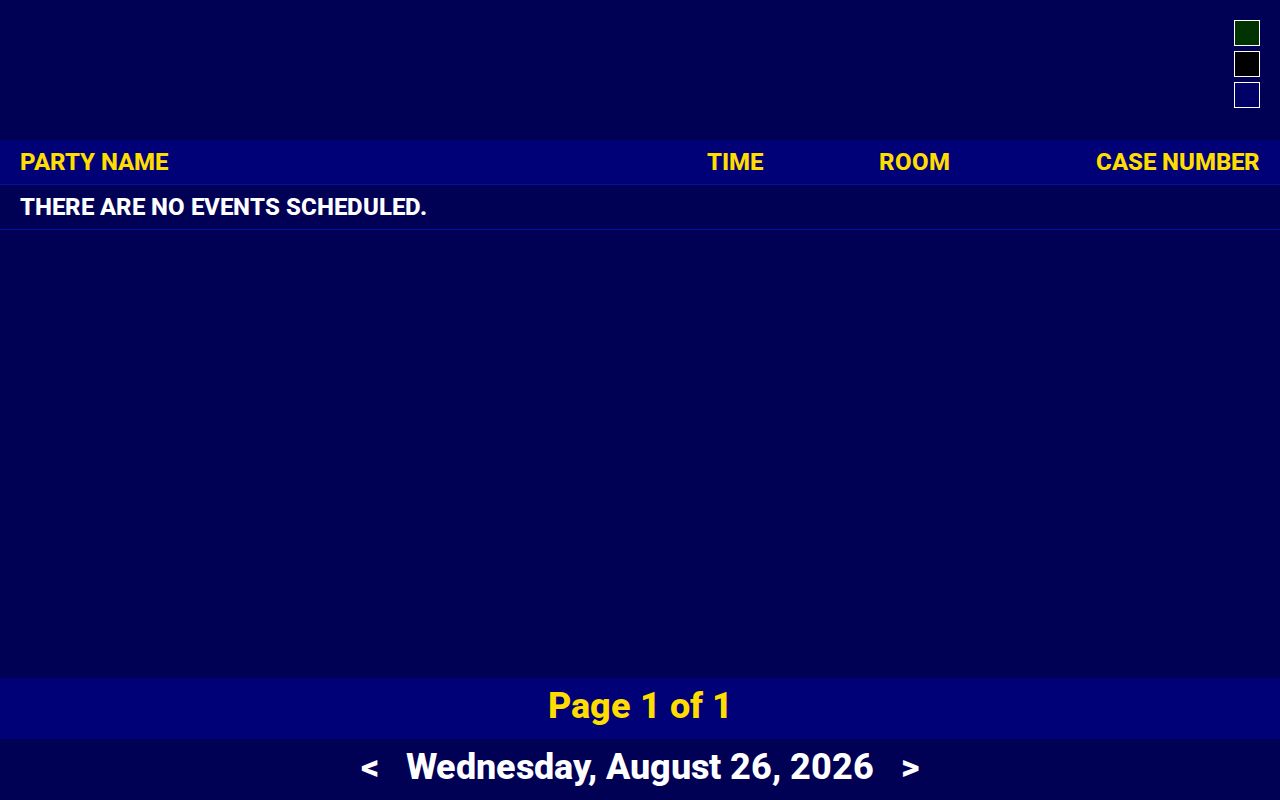
The interface gives a public date check and nothing more. Its own notice says some hearings stay off the screen, so when a Houghton County setting is not visible, call the court office that keeps the case.
Houghton County Court Date Lookups
When a date matters, use every channel you can confirm. Begin with the statewide MiCOURT Case Search case history. Choose the 12th Circuit selector C12~2 or the 97th District selector D97~2 if you know the court. Next, scan Court Display for the public date row. The Houghton-specific selectors are informational, category-limited routes, and they can return a 403. Verify live instead of assuming. A failed lookup never means the case has no scheduled event. The clerk path stays open either way.
- Find the court and case number in MiCOURT Case Search, or use the participant name if the public case search permits it.
- Open the public case history and note any next hearing, event date, case number, and court name.
- Open Court Display, select the available court and date, and compare its Party Name, Time, Room, and Case Number row with the history.
- Call the relevant clerk when the date is not shown, looks inconsistent, or has changed. Use Circuit at 906-482-5420, District at 906-482-4980, or Probate and Family at 906-482-3120.
- Visit the clerk counter at the Houghton County Courthouse, 401 East Houghton Avenue, when an in-person public inspection or direct confirmation is needed. Check current hours and closure notices first.
Houghton County posts no separate calendar search by attorney name or case number. It offers no text or email reminder program. The clerk's phone and the courthouse counter are therefore confirmed routes, not backups of last resort. Remember what a calendar is not. It is not the full docket. A statewide portal cannot replace the court that maintains the case.
Houghton County Court Calendar Terms
The same word can shift meaning between a courtroom, a case history, and a public calendar. A setting is a scheduled court event, nothing more. It is not proof the event happened, and it is not automatically a trial date. Write the displayed fields next to the case number. Then the clerk can pull up the correct event.
- Setting
- A court date or event assigned to a case. It can be a hearing, arraignment, pretrial, motion date, or another proceeding.
- Hearing
- A proceeding scheduled before the court. Court Display may omit some hearings from public view.
- Room
- The public room or courtroom field shown for an event. It can change before the setting.
- Case history
- The chronological register of actions. It records more than the calendar's single event row.
- Continuance
- A change that moves a setting. Confirm the new date with the court when the public display is unclear.
Official judge-display samples include live or virtual-room indicators, but Houghton County provides no particular virtual link. For remote-hearing instructions, ask the court directly.
Court Settings: What Each Field Means
Treat a public calendar row as a quick event reference. It can tell you a time and a room. Yet it falls short when you need the purpose of the setting or its current status, and the case history supplies that half. Save the court heading and case number along with the fields on screen. The clerk then has enough context to check a Houghton County court setting. That saves sorting through cases with similar party names.
| Date | The displayed calendar date for the scheduled public event. It can differ from filing and entry dates in the case history. |
|---|---|
| Time | The time shown for the setting. It may be a listed event time rather than a promise of the full length of the proceeding. |
| Room | The room or courtroom field in the public display. Check for a moved room before traveling. |
| Case number | The court reference that ties a calendar row to the case history and the maintaining clerk. |
| Party Name | A public display field, subject to access restrictions. It should not be used as the only identifier. |
| Court heading | The jurisdiction context needed to distinguish Circuit, District, Probate, or Family records. |
Case-search documentation lists a judge or jurist field. That field stays off the calendar screen. Court Display's public fields are Party Name, Time, Room, and Case Number, so do not count on anything unshown.
Houghton County Calendar and Case History
A calendar row answers one narrow question. What public event appears for a given date, time, room, and case number? A case history answers a wider one. It shows what has been filed, scheduled, heard, entered, or disposed over time. A Houghton County Court Display row can locate a setting. The case history explains why the setting exists. It also shows whether a later entry changed it. Neither one guarantees public access to every document in the court file.
An official Court Display sample illustrates the public calendar field layout and event pagination.
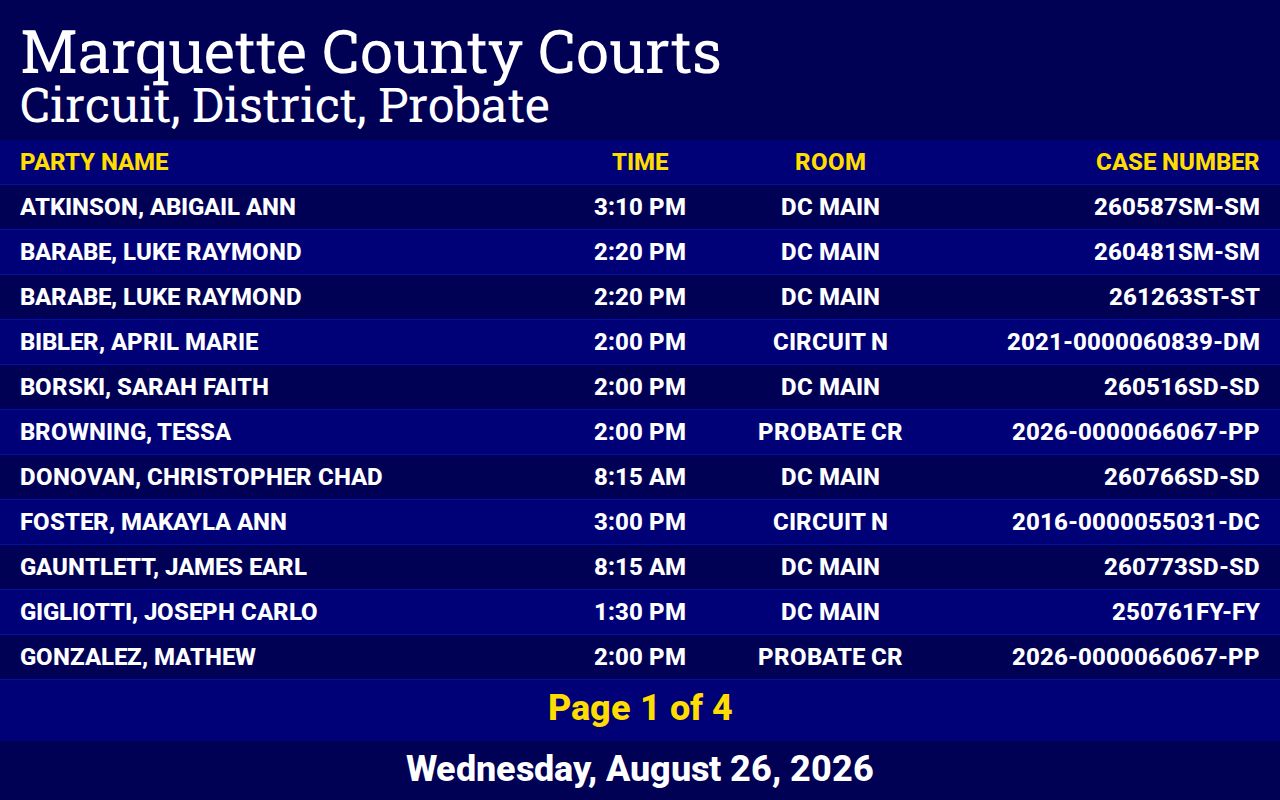
Set the public row beside the case history and read them together. When they disagree, or a date is time-sensitive, ask the court to confirm which one stands.
When a Court Date Moves
Court dates shift, and the Houghton County docket reflects that. A hearing can be continued, canceled, or moved to another courtroom. Listings also vanish from public view for other reasons. The case may be unpublished, nonpublic, or simply not yet posted. None of this means the case ended. Pull up the case history. Check the date in Court Display. If the pieces do not line up, call the clerk who keeps the Houghton County court file.
Know which court you are in first. A criminal docket runs under its Circuit or District number. Probate and family matters belong to the Probate or Family office. An attorney of record can give case-specific advice and notice details. For the confirmed public date, four channels stand. They are MiCOURT Case Search, Court Display, the clerk phone, and the clerk counter.
Houghton County Court Closure Checks
Winter weather can close a courthouse with little warning. Houghton County's January 23, 2026 courthouse closure notice shows something. Travel and office access can change fast. One dated notice is not a standing rule, though. It says nothing about how any single setting was resolved. Before you drive to a hearing in bad weather, scan the county news and confirm with the court. The official Houghton County courthouse-closure notice is the county's own word on that closure.
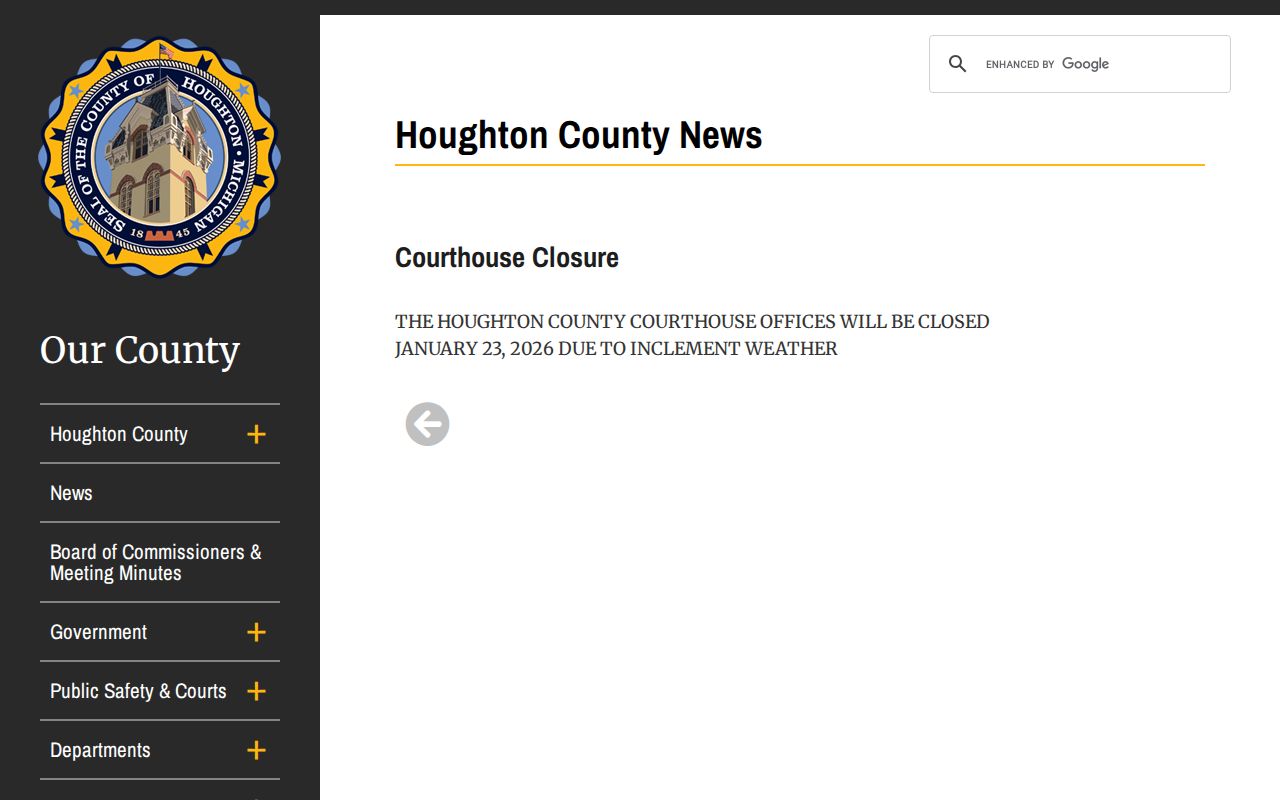
A closure notice tells you the building is shut, nothing more. For how a specific Houghton County court setting will be handled, ask the clerk.
Missed Settings and What Comes Next
Missed a Houghton County court date? Act now. Gather the court, the case number, and the scheduled date. Then call the clerk who maintains the file. Ask how the matter is recorded and what step remains open. Waiting for a public calendar row to update is a mistake. What happens next depends on the court and the case type, so an online calendar cannot answer every consequence of a missed setting.
If counsel is on the case, call counsel too. A clerk handles administrative facts and access routes; a licensed attorney handles legal advice. Write down who you called and when. No step here replaces an order, notice, or court instruction.
Missed a setting? Call the correct Houghton County court promptly with the case number and date. A missed hearing can have case-specific consequences, and the court can identify the current public status or next contact route.
Houghton County Court Notice Sources
Treat the county news index as a quick access check. It is no replacement for the case history or calendar. Houghton County posts general announcements and closure notices there. Need a court date, a reset, or a courtroom switch? You may still need to call the clerk, since the county publishes no separate daily calendar that answers every date question. The Houghton County official news index is the source for closure and access announcements.
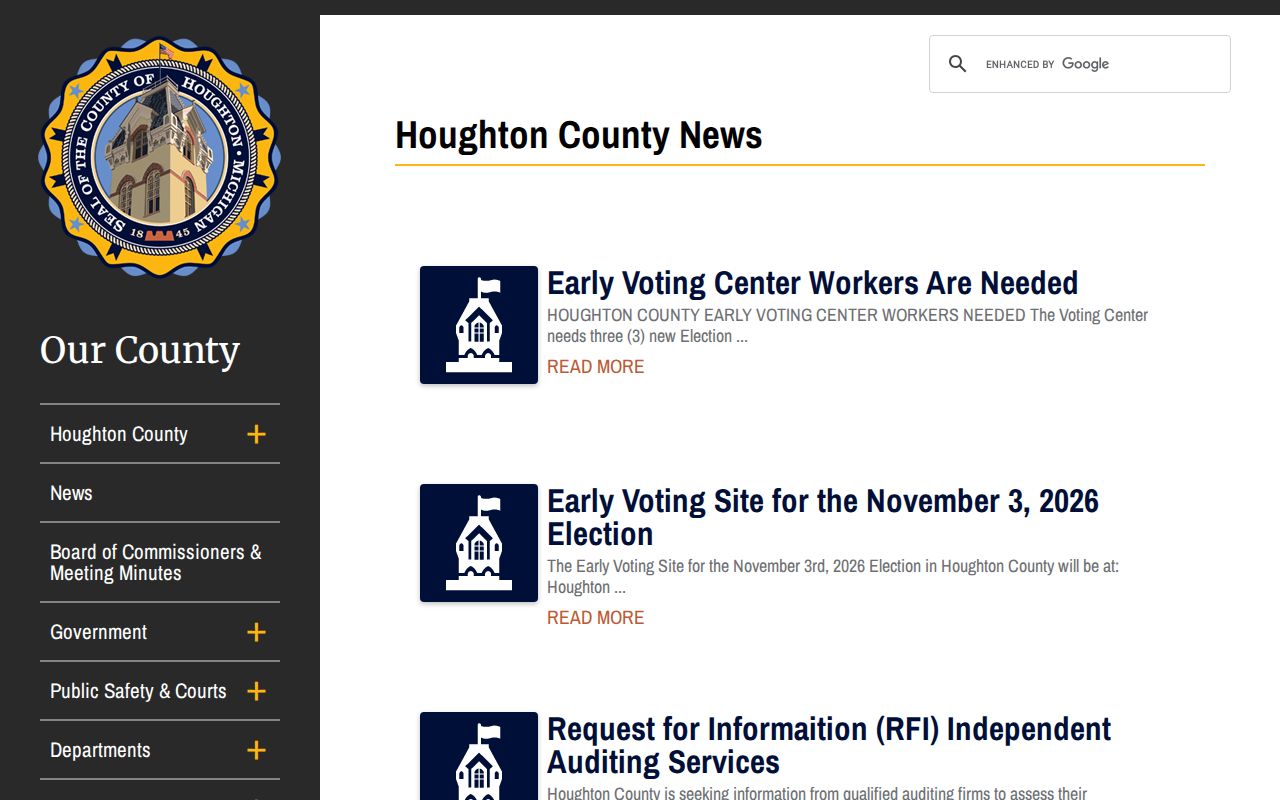
Read the public calendar in its proper scope. Pair any access announcement with Court Display, MiCOURT case history, and the right clerk.